Features
 Test recorder
 Integrations
 Testing service
 Roadmap
 Changelog
 Documentation
 Blog
Blog Customer stories
 About us
 Contact us
 XPath Selector Builder
 Example SaaS App
 E-mail testing inbox

You just deployed a new feature. It passed all the unit tests. The dev team is confident. But wait—before you pop the champagne, have you done a smoke test?
Smoke testing might sound like something you do in hardware labs or car garages. But in software, it’s your first line of defense against nasty surprises after a new build or release. Smoke testing focuses on verifying core functionalities and is designed for early detection of major defects, ensuring that the most essential features work as expected before moving forward.
Let’s break it down.
🎯 TL;DR - Smoke Testing
- Smoke testing = quick health check — it verifies that the app's most essential features (like login, navigation, and page loads) work after a build or deployment.
- Origin of the term — borrowed from hardware testing, where engineers checked if a new device “smoked”; in software, it means catching critical failures before deeper QA.
- Real-world use cases — smoke tests act as the first gate for new feature releases, hotfix deployments, and continuous integration pipelines.
- Key difference from regression testing — smoke tests are fast and shallow, while regression tests are thorough and time-consuming.
- Automation with BugBug — teams can record and rerun smoke tests in seconds, making it easy for startups and SaaS teams to catch blockers early and ship with confidence.
Check also:
Smoke testing is a quick, shallow check to make sure the basic functions of your app still work after a new deployment.
Think of it like flipping the light switches in a new house. You're not testing the entire electrical system—just making sure the lights turn on.
In software, it's the same idea. After a new build, you run a set of essential tests to confirm:
- The app launches
- The login page loads
- Key buttons respond
- Navigation still works
- You don't get blank screens or crashes
If any of these basic things fail, there's no point in testing deeper. You send it back to the dev team for a fix.
There are several types of smoke testing that teams can use depending on the stage of the software development life cycle, such as build verification, acceptance smoke testing, and UI smoke testing. By conducting smoke tests as part of your preliminary testing strategy, you ensure that each build is functional enough for further QA. This approach helps establish a foundation for reliable smoke testing, saving time and catching major issues early in the process.
Why Is It Called “Smoke” Testing?
It comes from hardware testing. Back in the day, engineers would plug in a new piece of hardware and check if it smoked—literally. If it didn’t catch fire, you could move on to deeper testing.
Software teams borrowed the term. Today, it’s a fast sanity check that says, “We’re good to proceed.” Smoke testing is often confused with other testing practices, such as sanity testing, because they all aim to reduce risk early. However, smoke testing vs sanity testing is an important distinction: smoke testing checks overall build stability to see if further testing is possible, while sanity testing focuses on verifying specific functionalities after minor changes or bug fixes. Each serves a different purpose in the testing process.
Real-World Scenarios: How Smoke Testing Plays Out
Smoke testing isn’t just a checkbox. It’s a strategic part of your software development lifecycle, helping you catch major issues early—before further testing wastes time or breaks confidence. Integrating smoke testing into your workflow ensures that each build is verified quickly, and performing it in a well-maintained test environment is crucial for accurate results. Regular smoke testing also fosters better communication and collaboration between development and testing teams, making everyone more accountable for product quality.
Let’s look at three real-world situations where smoke testing plays a critical role in the software testing process. Passing smoke tests allows the build to move on to the next testing phase, where testing teams conduct more detailed testing to ensure comprehensive coverage.
New Feature Release: Preventing Critical Issues from Reaching Production
Scenario: Your SaaS platform just added a new “Team Analytics” dashboard. It’s a major release with new charts, filters, and visual elements.
Smoke testing serves as the first gate after the feature is deployed to staging. A quick UI smoke testing process verifies that:
- The dashboard loads properly
- Charts render without errors
- Navigation between tabs works
- No 500 errors appear in the console
This initial smoke test confirms the build is stable enough to proceed. If the smoke test passes, you continue with detailed testing, like integration testing, load testing, and eventually acceptance testing. Passing smoke tests allows the team to proceed to more extensive testing, ensuring that any major issues are caught before investing time in extensive testing.
But if even one smoketest fails—say, the page doesn’t load at all—you stop the process. No need to continue into more in-depth testing if the basic functionality is broken.
In this case, smoke tests focus on critical functionalities and fundamental user interface elements. This early failure protects the QA team from wasting hours on a broken build and helps development teams fix the issue quickly.
Start smoke testing with BugBug
Hotfix Deployment: Verifying Stability After a Bug Fix
Scenario: Your team rushes out a bug fix to resolve a payment issue in the checkout flow. The fix is merged and deployed.
You don’t have time for comprehensive testing, but you conduct a smoketest suite covering:
- Login flow
- Product selection
- Checkout and payment confirmation
- Order history page
This is classic buildverification testing. Also known as confidence testing, it ensures the software build is intact and previous existing features weren’t accidentally broken by the patch.
While smoke testing checks the overall stability of the application after a hotfix, sanity testing is usually performed after minor changes or bug fixes to confirm that the specific area of functionality affected by the bug fix still works as expected.
In this case, you can perform manual smoke testing or use automated tools like BugBug to rerun your saved smoke test cases. These quick checks make sure the hotfix didn’t break the software quality or impact other parts of the app.
Advantages of smoke testing here? Faster release cycles, reduced risk, and a clear decision: either the smoke testing cycle continues into regression tests, or the software testing professionals send the build back for another fix.
Continuous Integration: Catching Bugs Early in the Dev Process
Scenario: Your startup follows a continuous integration model. Every time code is merged into the main branch, a new software build is created and deployed to staging automatically.
At this stage, a lightweight automated smoke testing suite runs. Automated smoke tests are integrated into CI/CD pipelines for rapid and consistent evaluation of builds. These tests verify:
- App loads without errors
- Authentication works
- Key user journeys like “create project” and “invite teammate” are functional
- APIs respond correctly
Automated smoke tests offer repeatability and speed, while manual tests allow for exploratory assessment. Popular tools for automated smoke testing include Selenium and PhantomJS, which support multiple operating systems and enable cross-platform compatibility.
These smoke test cases are part of your larger test suite, but they run first—early in the development and integration testing stage. This helps catch blockers and major issues immediately after each deployment.
Think of this as part of a hybrid testing strategy—automating the repetitive checks while leaving room for occasional manual testing when needed.
If smoke tests verify that the system is working, the pipeline continues with sanity testing, acceptance smoke testing, and in-depth verification testing. If something breaks, the pipeline halts and alerts the development team before the issue hits production.
By updating smoke tests regularly, your team ensures they reflect new key features, UI changes, and critical workflows as part of test automation best practices. It keeps your smoke testing process reliable and valuable as your app evolves.
What's Included in a Typical Smoke Test?
It varies by app, but here are common things to include:
- Can users log in and log out?
- Do the main menus and links work?
- Can you create or view a basic record (e.g., a task, user, post)?
- Do key pages load without errors?
- Are APIs responding with valid data?
Functional testing goes further by ensuring the application's core functionalities are working as expected through detailed test cases.
Smoke tests should be executed in a well-maintained test environment that closely resembles production, typically on a dedicated testing server. This helps ensure accurate results and reliable system operations. Smoke testing also plays a role in verifying data security by checking that critical workflows do not expose sensitive information. The execution of smoke tests should ideally be fast, often under 15 minutes, to provide immediate feedback.
You’re not digging deep here. You’re not validating edge cases. You’re just making sure the app isn’t obviously broken.
Need a codeless smoke testing tool?
Try BugBug – it’s built for SaaS teams who want quick feedback after every release.
Smoke Testing vs. Full Regression Testing
A common mix-up: smoke testing isn’t the same as regression testing.
Smoke test: Fast, broad, shallow
Regression test: Thorough, deep, time-consuming
You might run a smoke test in 5–10 minutes after each deploy. Regression tests might take hours and cover dozens (or hundreds) of scenarios.
Smoke testing is a broad initial check to verify core functionality, while sanity testing is more targeted and focuses on specific components or bug fixes. Think of smoke testing as the gatekeeper in the testing phase: if it fails, you stop and fix. If it passes, the build moves on to the next testing phase, which involves more detailed testing before release to users.
Who Performs Smoke Testing?
It depends on your team setup.
- In a small startup: Often it’s the QA engineer—or even the product manager—running it manually.
- In a mature SaaS team: It’s usually automated and triggered after every CI/CD deployment. In larger organizations, the quality assurance team is responsible for verifying software stability through smoke testing before further testing proceeds.
- No QA team? You can still write a basic checklist and run it after each release.
Effective smoke testing requires collaboration and communication between development and testing teams to ensure product quality and smooth handoffs.
Even a non-technical teammate can smoke test a SaaS app with a bit of training and a simple test plan.
👉 Also check our guide on Smoke Testing in BugBug.
Can You Automate Smoke Testing?
Absolutely. And you should.
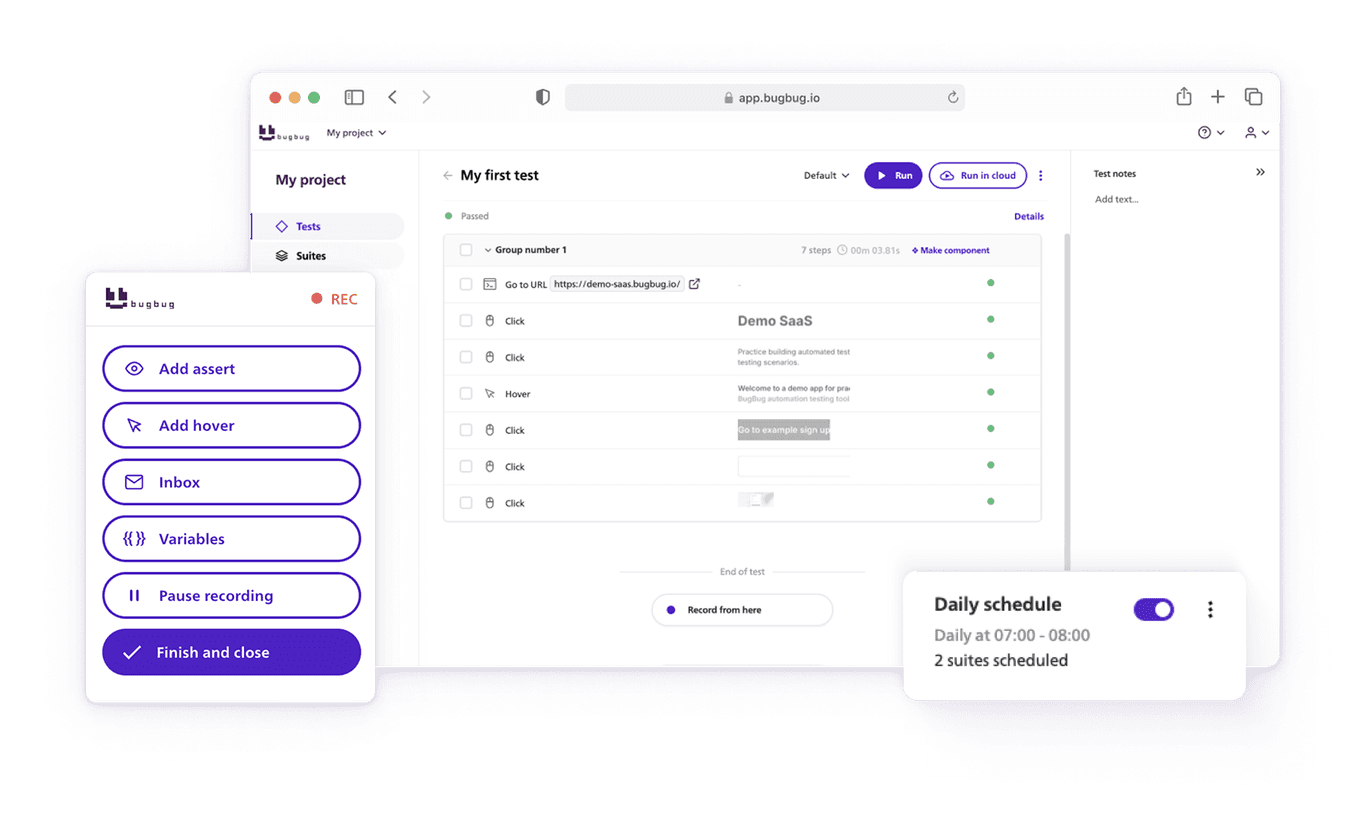
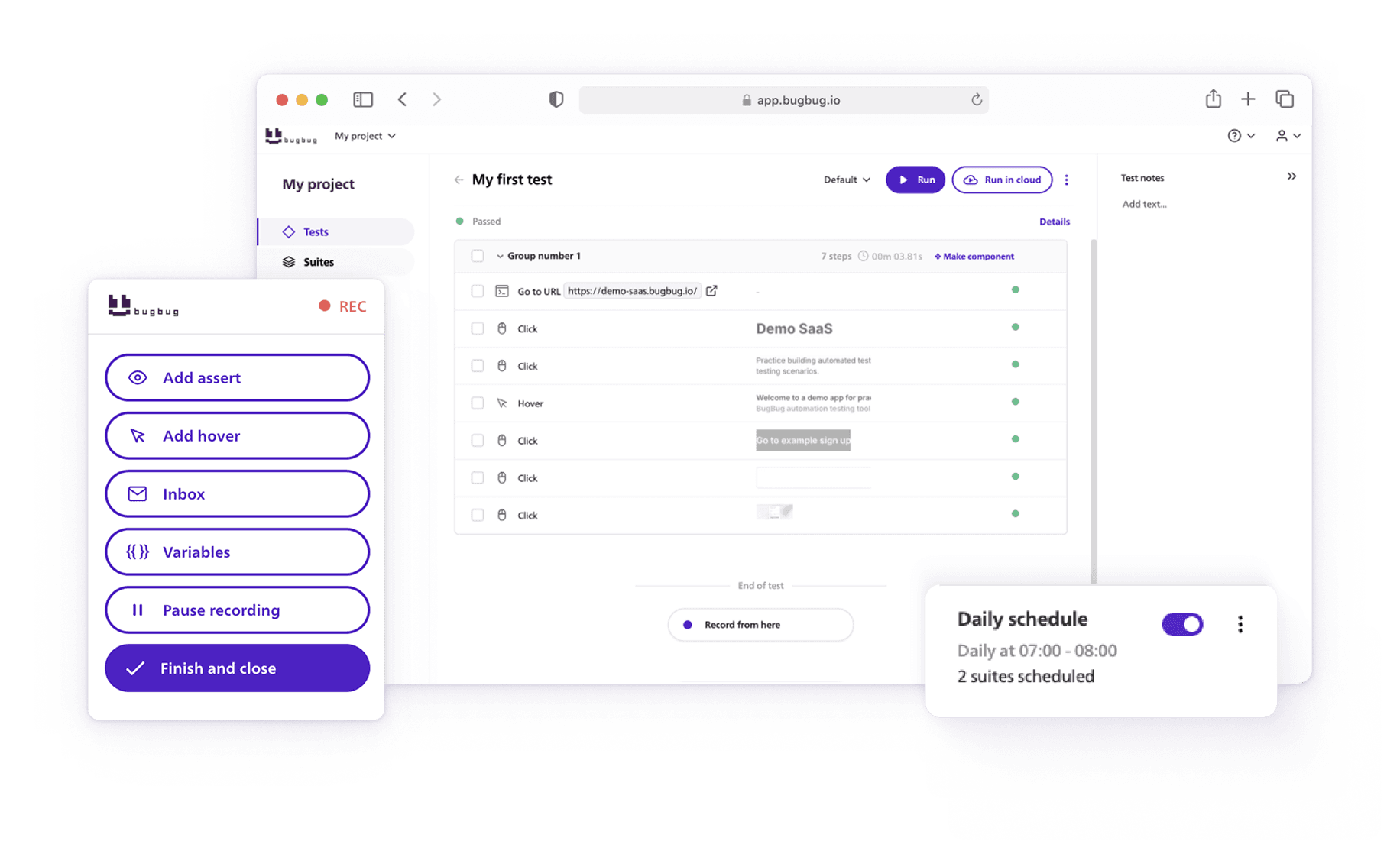
With tools like BugBug, you can record and run smoke tests in the browser with no coding required. Just click through your key flows—login, create user, navigate dashboard—and save them as a reusable test.
Integrating smoke testing into your development process is essential for delivering high-quality applications. Automated smoke tests are a key part of test automation strategies, allowing you to quickly verify build stability and catch major issues early in your CI/CD pipeline. It's important to regularly update smoke tests to reflect new features or changes, ensuring they remain effective as your application evolves.
Every time you deploy, BugBug can rerun that test in seconds. If something breaks, you get a heads-up before users do.
For lean SaaS teams, this is gold. It lets you ship faster without flying blind.
Final Thoughts: Don't Skip the Basics
Smoke testing is a fast, cost-effective way to protect your team from pushing broken builds through the software development process. Whether it's a brand-new feature, a rushed hotfix, or a daily CI pipeline, smoke testing requires minimal effort but delivers maximum clarity.
And remember: the goal isn't to test everything. It's to test just enough to decide if the build is stable enough to proceed.
If you're running manual smoke testing now, look into automated tests for scalability. A good smoke test suite pays off by saving time, reducing risk, and giving your team the confidence to ship faster.
Smoke testing isn't fancy. It doesn't catch every bug. But it saves you from the embarrassment of deploying something that doesn't even load.
In fast-moving teams, it's your safety net.
So the next time you hit “Deploy,” take a breath. Run a smoke test. It could save you hours of debugging and a whole lot of awkward Slack messages.