Features
 Test recorder
 Integrations
 Testing service
 Roadmap
 Changelog
 Documentation
 Blog
Blog Customer stories
 About us
 Contact us
 XPath Selector Builder
 Example SaaS App
 E-mail testing inbox

🤖 Summarize this article with AI:
💬 ChatGPT 🔍 Perplexity 💥 Claude 🐦 Grok 🔮 Google AI Mode
If you’ve ever waded through a swamp of failing tests, you know the feeling: instead of accelerating releases, your automation slows everything down. Scripts break on minor UI changes. Suites balloon into monsters that no one trusts. Regression cycles drag on for hours, sometimes days.
Scaling test automation isn’t just a technical challenge—it’s a strategic one. And most teams get it wrong. They race to automate everything, then burn out under the weight of fragile scripts and spiraling maintenance.
- Why Do So Many QA Teams Struggle to Scale?
- 1. Build a Strong Foundation Before You Automate
- 2. Automate the Right Tests (Not Every Test)
- 3. Tame Flaky Tests Before They Derail You
- 4. Optimize Execution with Cloud Scheduling and Parallelism
- 5. Make Automation Accessible Beyond QA
- 6. Continuously Improve, Don’t “Set and Forget”
- Why Scripted Tests Don't Scale for Small QA Teams (And What to Do Instead)
- The Real Problem: Scripted Tests Assume Stability
- Maintenance Becomes Your Full-Time Job
- Regression Turns Into a Release Bottleneck
- Scripted Automation Isn't Free — It's Infrastructure
- What Actually Scales for Small QA Teams?
- A Practical Alternative: Lightweight Browser Automation
- The Conversion Question: What Is Your QA Time Worth?
- When Scripted Tests Still Make Sense
- The Payoff: From Fragile to Scalable
- Final Thoughts
Check also:
The truth? Automation is supposed to help you ship faster, not trap you in test debt.
In this article, I’ll walk you through proven strategies for scaling test suites—and show you how BugBug can turn your automation from a liability into a competitive advantage.
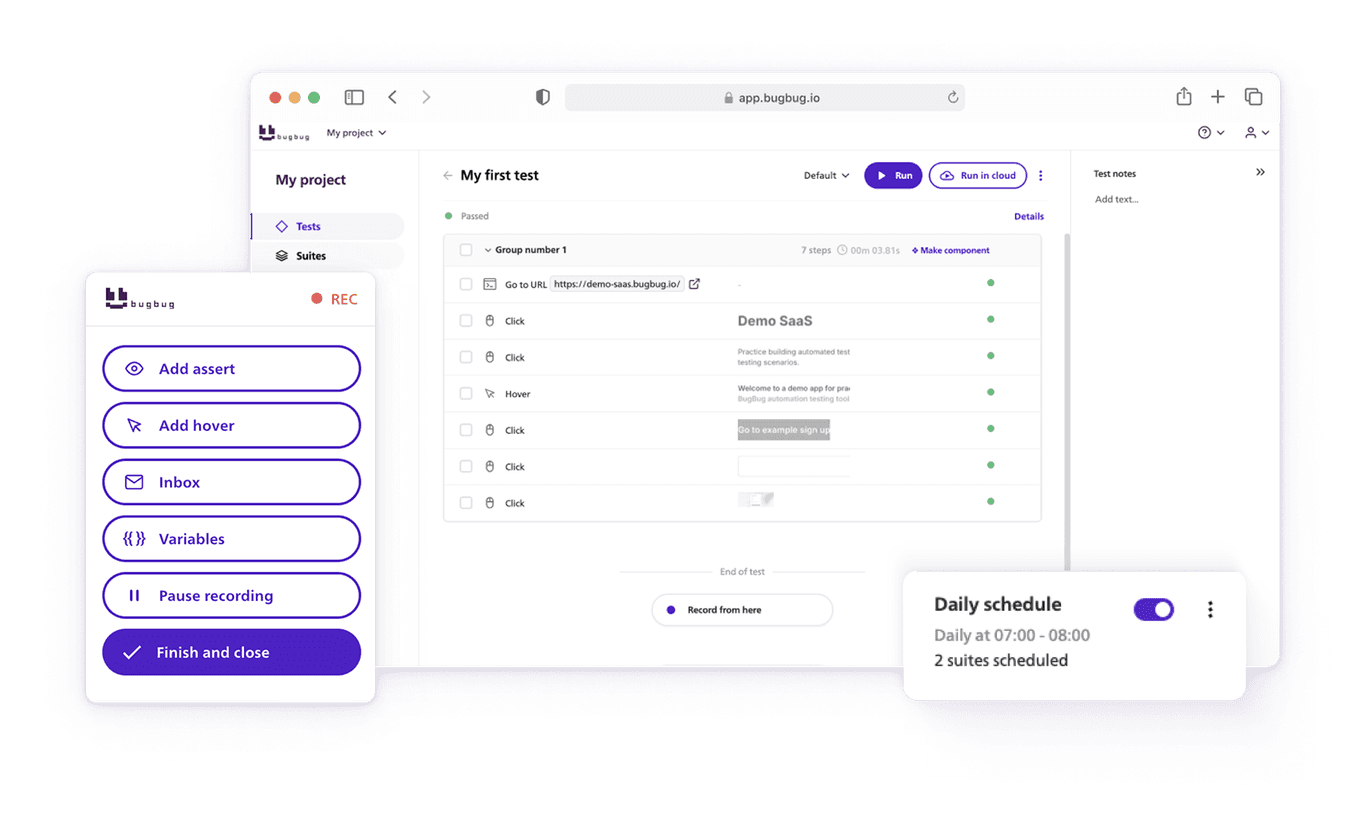
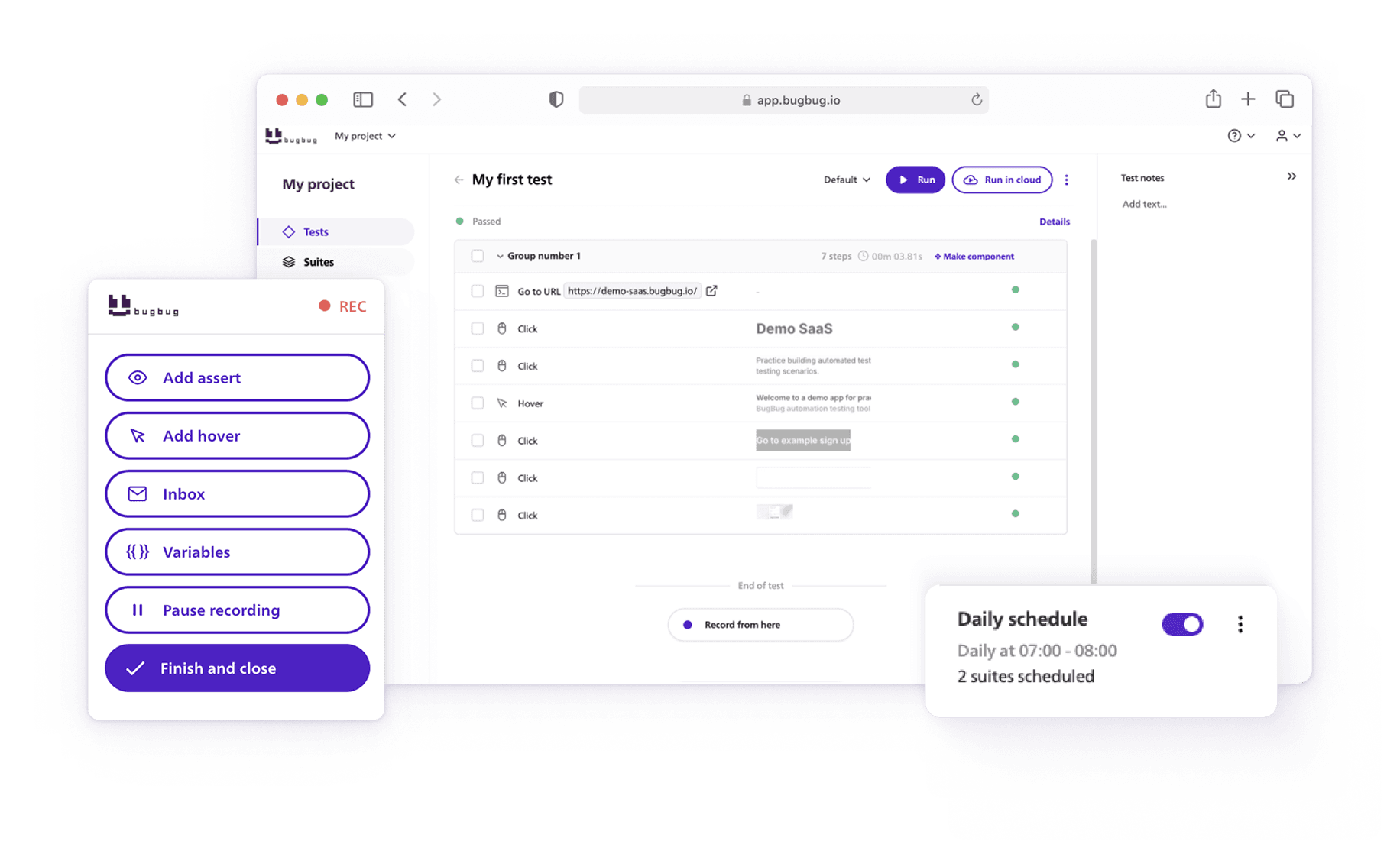
Scale test automation without code
Test easier than ever with BugBug test recorder. Faster than coding. Free forever.
Get started
Why Do So Many QA Teams Struggle to Scale?
Before we fix it, let’s diagnose the pain points:
- Test sprawl: Suites grow without structure, creating duplication and chaos.
- Fragile scripts: Hardcoded selectors mean one UI tweak equals 50 broken tests.
- High maintenance costs: Teams spend more time fixing automation than running it.
- Slow execution: Suites that run overnight—or worse, over the weekend—kill feedback loops.
- Poor test data practices: Flaky automation that fails inconsistently undermines trust.
Sound familiar? You’re not alone. These are systemic issues, not personal failures. The good news is that they can be solved with the right mix of strategy, tools, and process.
1. Build a Strong Foundation Before You Automate
Scaling starts with clarity. Define:
- What you’re automating (and why).
- Who owns test creation and maintenance.
- How success will be measured.
SMART goals (specific, measurable, achievable, relevant, time-bound) are your friend here. For example:
- Reduce regression cycle from 2 days to 2 hours within 3 months.
- Increase coverage of critical user flows to 90% by Q4.
💡 👉 With BugBug, you can build this foundation by structuring tests into suites. Start small—say, a “Core Features” suite for your login, signup, and checkout flows—then expand strategically. The default “All Tests” suite ensures nothing slips through the cracks as you grow
.
2. Automate the Right Tests (Not Every Test)
Here’s the brutal truth: not everything deserves automation.
Prioritize:
- High-volume, repetitive tests.
- Business-critical user flows.
- Regression checks that would be painful to do manually.
Think 80/20 rule: 20% of well-designed tests protect 80% of your application.
👉 With BugBug, you can tailor suites for different purposes:
- Core Features Suite (daily runs on critical paths).
- Full Regression Suite (pre-release, comprehensive).
- Feature Branch Suite (work-in-progress tests).
- Multi-profile Suite (e.g., different languages or roles).
This lets you scale without drowning in unnecessary scripts.
3. Tame Flaky Tests Before They Derail You
Flaky tests are the silent killers of automation. They erode trust, waste time, and inflate maintenance costs.
👉 BugBug tackles this with auto-retry for flaky tests:
-
If a test fails due to transient issues (like a slow server), it automatically retries.
-
If the retry passes, the run is logged as “auto-retried”—so you see the hiccup but don’t panic.
-
Test will fail after however many retries the user sets (disabled/1/2/3/4/5).
This means fewer false alarms, more focus on real defects, and dramatically lower test debt.
👉 Also check our guide on how to fix flaky tests.
4. Optimize Execution with Cloud Scheduling and Parallelism
As your suite grows, execution time becomes the bottleneck. A 2-hour regression run feels fine—until your suite grows to 12 hours and blocks every release.
👉 BugBug solves this with:
- Cloud scheduling: Run suites automatically in the cloud, across multiple environments.
- Parallel execution: Tests run simultaneously, not sequentially, slashing feedback time.
This isn’t just convenience—it’s the difference between deploying daily versus weekly.
5. Make Automation Accessible Beyond QA
Test automation dies in silos. If only a few engineers can contribute, scaling stalls.
That’s why ease of use matters. BugBug comes with a test recorder—no heavy coding required—so even non-technical team members can build reliable tests.
This democratizes automation, distributes ownership, and lets QA, devs, and PMs all play a role in quality.
6. Continuously Improve, Don’t “Set and Forget”
A test suite is a living system. Without care, it rots.
Best practices:
- Regularly prune outdated tests.
- Refactor for maintainability (use shared methods, modular design).
- Track flaky tests and fix root causes.
- Gather team feedback and evolve with the product.
BugBug makes this easier with run histories, suite-level organization, and auto-retry logs, giving you visibility into what’s truly fragile versus what’s solid.
Why Scripted Tests Don't Scale for Small QA Teams (And What to Do Instead)
Small QA teams don't fail because they lack discipline.
They fail because they adopt testing strategies designed for companies with 5× their resources.
Scripted tests look structured, professional, and safe. In reality, for startups and lean SaaS teams, they quietly become the biggest drag on velocity.
If you're running QA with limited time, limited budget, and constant product change — this article is for you.
The Real Problem: Scripted Tests Assume Stability
Scripted testing works best when:
- UI changes are rare
- Flows are stable
- Releases are predictable
- You have time for documentation upkeep
Startups? They operate in the opposite environment.
You ship weekly. UX evolves constantly. Product-market fit is still shifting.
And every UI tweak means:
- Updating test cases
- Rewriting selectors
- Fixing brittle flows
- Re-running regression manually
The maintenance curve grows faster than your team.
Maintenance Becomes Your Full-Time Job
In small QA teams, one person often:
- Writes tests
- Executes regression
- Logs defects
- Coordinates releases
- Handles automation
When scripted suites grow, something breaks:
- Either maintenance consumes your time
- Or tests become outdated
- Or regression gets shortened
- Or releases slow down
None of these scale.
Scripted tests optimize for control. Small teams need leverage.
Regression Turns Into a Release Bottleneck
As your app grows, your regression suite grows. But your team doesn't.
You're forced into one of three risky choices:
- Run everything → delay shipping
- Run partially → increase bug risk
- Skip regression → cross fingers
If regression takes half a sprint, automation is no longer helping the business. It's slowing it down.
Scripted Automation Isn't Free — It's Infrastructure
Many teams think: "Let's just automate everything with a framework."
What that actually means:
- Setting up Selenium, Playwright, or Cypress
- Maintaining CI pipelines
- Debugging flaky tests
- Managing environments
- Refactoring scripts every UI change
That's DevOps work.
For small SaaS teams, that overhead is often larger than the problem it's trying to solve.
You don't need "enterprise-grade flexibility." You need automation that removes manual regression without creating another system to maintain.
What Actually Scales for Small QA Teams?
After working with lean teams, three patterns consistently emerge:
1. Low Maintenance > High Customization
If updating tests takes longer than writing them, your system is broken.
2. Fast Feedback > Perfect Coverage
You need signal on core user flows — signup, checkout, critical dashboards, integrations — not 100% automation purity.
3. No Infrastructure Ownership
If QA has to manage cloud grids, runners, and CI secrets, you've reintroduced complexity. Small teams need tools that just work.
A Practical Alternative: Lightweight Browser Automation
This is where many SaaS teams move toward tools built specifically for lean teams.
Instead of writing and maintaining heavy scripts, owning infrastructure, and debugging framework issues — they use browser-based automation platforms that:
- Require no setup
- Allow recording core flows
- Support optional JavaScript when needed
- Run reliably without CI complexity
For example, BugBug was designed around this exact constraint: no infrastructure to manage, simple recording-based automation, optional advanced JS actions for developers, fast regression execution, and minimal maintenance overhead.
You don't have to choose between "manual forever" and "enterprise automation chaos." You can automate the 20% of flows that protect 80% of revenue — without becoming an automation engineer.
The Conversion Question: What Is Your QA Time Worth?
Let's make this practical.
If your QA spends 2–3 days per sprint on regression, several hours fixing brittle scripts, and time coordinating automation infra — that's real cost.
Now imagine:
- Core flows automated in under a day
- Regression running in minutes
- No CI configuration
- No framework maintenance
For small teams, the ROI isn't theoretical. It's immediate.
When Scripted Tests Still Make Sense
To be fair, scripted frameworks are powerful when you have:
- Dedicated automation engineers
- Complex multi-layer architecture
- Strong DevOps support
- Enterprise-level compliance needs
But if you're a startup or scaling SaaS team with 1–3 QAs? Heavy scripting often creates more friction than value.
The Payoff: From Fragile to Scalable
Scaling automation isn’t about running more tests. It’s about running the right tests, at the right time, with the right foundation.
Teams that get this right see:
- Regression cycles cut from days to hours.
- Confidence restored in automation results.
- QA transformed from bottleneck to accelerator.
👉 BugBug isn’t just another testing tool—it’s your partner in building automation that scales without spiraling into chaos.
Final Thoughts
Badly scaled automation is like a Jenga tower: one shaky block and the whole thing collapses. Well-scaled automation is like a suspension bridge: strong, flexible, and able to carry ever-growing loads.
The choice is yours. With the right strategy—and the right tool—you can build a test suite that doesn’t just keep up with development but actually accelerates it.
Ready to scale without drowning in test debt? Start with BugBug today.
Happy (automated) testing!