Features
 Test recorder
 Integrations
 Testing service
 Roadmap
 Changelog
 Documentation
 Blog
Blog Customer stories
 About us
 Contact us
 XPath Selector Builder
 Example SaaS App
 E-mail testing inbox
What Is QA Automation? A Practical Guide for Modern QA Teams
Dominik SzahidewiczFebruary 25, 2026
QA automation is a risk-control system that uses automated tests to:
Protect release velocity
Increase test coverage
Reduce human error
Enable fast CI/CD feedback
It’s not just writing scripts — it’s building sustainable quality infrastructure.
Use manual testing for:
New or unstable features
UX validation
Rapid iteration
Use automation for:
Regression suites
Frequent releases
Cross-browser/device validation
High-risk, repetitive workflows
Unit tests: Fast, cheap, isolated
API tests: Stable, high ROI
UI tests: Valuable but fragile — keep minimal
Too much UI automation = slow, flaky, expensive suites.
Risk-driven coverage (not test volume)
CI/CD integration with fast feedback
Low flakiness
Measured by escaped defects, not script count
Treated as engineering, not maintenance
Automating everything at the UI layer
Ignoring test suite performance
Allowing flaky tests
Measuring success by number of tests
Bad automation increases risk instead of reducing it.
Check also:
Most guides will tell you:
“QA automation is the process of using tools and scripts to automate software testing.”
Technically correct. Practically useless.
QA testing automation is a broader concept that refers to automating various aspects of the software testing process, while also balancing automation with manual testing to ensure comprehensive quality assurance throughout the software development lifecycle.
Here’s the clearer version:
QA automation is the practice of building repeatable systems that reduce product risk and protect release velocity. QA automation uses tools and scripts to automate software testing and evaluate functionality, performance, and security. By automating tests, QA automation increases test coverage, allowing teams to test more features and scenarios than manual testing alone. Automated testing improves accuracy, shortens release cycles, and increases overall test coverage, which is vital for Agile and DevOps workflows.
If you’ve read developer forums or Reddit threads about automation, you’ll notice a recurring complaint:
“I feel like I’m just writing and fixing UI steps all day.”
That happens when automation is reduced to:
In that version of the job, automation becomes maintenance work.
But true QA automation is broader and more strategic. Effective QA automation relies on well-designed automation workflows, not just individual scripts, to streamline and manage the entire testing process.
Yes, automation handles repetitive tasks. That’s the surface benefit. It also significantly reduces the risk of human error in repetitive or regression testing, where manual testers are more likely to make mistakes due to monotony or oversight.
The deeper value is risk control.
Every release introduces uncertainty:
Automation gives you fast, consistent feedback on those risks.
But only if it’s built intentionally.
Bad automation increases risk:
That’s why QA automation is not just tooling. It’s a strategy decision.
A common mistake in modern teams is framing automation as “better” than manual testing.
That’s the wrong comparison.
Manual and automated testing solve different problems.
The strongest teams design a hybrid strategy, where the testing team collaborates to determine the right balance between manual and automated testing for their specific needs.
The real question is: When does automation create leverage — and when does it create overhead?
Start with thorough test planning. Creating a test strategy is essential for structuring tests, organizing code, and maintaining readability and maintainability.
Manual testing is better when:
Exploratory testing, in particular, is a human skill. No framework can replicate a curious tester intentionally trying to break assumptions.
Early-stage startups often over-automate too soon.
If you’re iterating daily and changing flows constantly, heavy automation will slow you down.
Automation becomes valuable when:
For example:
If your SaaS product ships 3–5 times per week, manual regression simply doesn’t scale. Automation protects velocity. Automated testing is particularly effective for regression and smoke testing, which are run often and require swift feedback after updates.
But if your product changes completely every sprint, automation may create maintenance debt instead of value.
💡 Check our article on What Does QA Testing Do?
One of the biggest reasons automation becomes boring, fragile, or high-maintenance is simple:
Too much of it lives at the UI layer.
To understand why that’s a problem, we need to revisit the test pyramid. Understanding different testing types—such as regression, functional, API, and performance testing—is crucial for effective QA automation, as each type plays a specific role in the overall strategy.
Comprehensive testing involves combining these different testing types across the pyramid to ensure thorough coverage and higher software quality. Test automation frameworks help structure tests across these different layers, making it easier to organize and maintain a balanced automation strategy. Many automation frameworks support multiple programming languages, allowing teams to choose tools compatible with their preferred coding languages.
The test pyramid is not a theoretical model. It’s a cost model.
At the bottom:
Test automation frameworks help structure tests across these different layers, making it easier to organize and maintain a balanced automation strategy.
The higher you go, the more:
If your automation strategy is 80% UI tests, you’re operating at the most expensive layer.
That’s why so many automation engineers feel like “step writers.” They’re working where changes are most frequent and locators break most often.
Unit tests validate small pieces of logic in isolation. Unit testing is a foundational automated testing method that ensures code correctness and system stability.
They are:
QA automation engineers typically don’t write these, but they should understand their coverage. If unit coverage is weak, more pressure falls on higher layers — especially UI.
A mature QA strategy collaborates with developers to ensure strong lower-level coverage.
API tests validate business logic without UI instability. Integration tests are crucial for verifying the interfaces between software modules, and application programming interfaces play a key role in this process.
They:
For many SaaS products, API testing provides the highest return on automation effort.
If you’re stuck writing dozens of UI flows that simply validate API behavior, consider pushing that coverage downward.
This is where automation becomes engineering rather than maintenance.
UI tests should verify:
They should not validate every validation message or internal rule.
UI automation is essential — but strategic.
If you automate everything at this layer, your suite becomes:
Automated tests can simulate thousands of concurrent virtual users for load and stress testing.
The goal isn’t eliminating UI tests.
It’s minimizing them.
Automation is not limited to functional flows.
Modern QA automation also includes:
This is where many senior automation engineers expand their impact.
If your role feels repetitive, expanding into these areas often reintroduces challenge and creativity.
Most guides list generic steps like “write scripts and run them.”
That’s not how successful automation programs operate. A successful QA automation program requires a well-defined automated testing approach that outlines the methodology, tools, and best practices for effective implementation.
A cloud based testing platform is a key solution for scalable and efficient testing, enabling teams to test across numerous real devices and browsers. Using cloud-based testing platforms can help manage device fragmentation and ensure comprehensive testing across various environments.
Here’s a practical implementation framework used by effective SaaS teams.
Before writing a single script, answer:
Thoughtful test creation at this stage ensures your QA automation efforts are focused on business risk, aligning automated coverage with your most critical workflows.
This step is rarely discussed.
Avoid automating:
Over-automation creates maintenance debt.
Strong QA automation strategies are selective.
Ask for each candidate test:
Push coverage down whenever possible.
This reduces fragility and execution time. Automation frameworks help structure tests efficiently across these layers, making it easier to maintain and scale your QA automation strategy.
Tooling decisions determine long-term maintenance burden.
Choosing the right software development tools is crucial for supporting efficient automation and seamless integration with existing development workflows.
Heavy frameworks require:
Automation that runs manually is optional.
Automation in CI is mandatory. Continuous integration and continuous delivery rely on automated testing to ensure rapid and reliable code deployment.
Key practices:
Speed drives adoption.
If your pipeline takes 40 minutes, developers will bypass it emotionally — even if they can’t technically.
Avoid vanity metrics like:
Track instead:
Analyzing test results is essential for identifying issues, measuring trends, and making informed decisions to continuously improve your QA automation processes.
Automation should reduce escaped bugs — not just increase script count.
Flaky tests are not “QA problems.”
They are reliability defects.
If your automation suite:
It’s failing its purpose.
Regularly:
Script maintenance is a continuous challenge in QA automation, as frequent application updates can break existing tests and require ongoing attention.
Test debt is real debt.
Mature automation doesn’t plateau.
Once regression coverage stabilizes:
Expanding test coverage at this stage not only increases overall accuracy but also shortens release cycles by ensuring more comprehensive validation across different tests and platforms.
Automation should evolve alongside product complexity.
Try no-fuss testing for free in BugBug
Test easier than ever with BugBug test recorder. Faster than coding. Free forever.
Get started
Most articles say automation is “faster and cheaper.”
That’s technically true — but the real value shows up in how it changes delivery speed, risk management, and engineering culture.
Here’s what actually improves when QA automation is implemented correctly.
Automation accelerates time-to-market by shrinking feedback loops.
In many teams, regression cycles that once took days can be reduced to hours once automated suites are integrated into CI. That speed matters in Agile and DevOps environments, where frequent releases and continuous delivery are standard practice.
Instead of waiting for a full manual pass:
Automation doesn’t just make testing faster — it makes iteration safer.
Automation improves accuracy and consistency. Machines don’t forget steps or skip edge cases after a long sprint.
With strong automated regression:
Research shows that 33% of companies aim to automate between 50% and 75% of their testing efforts — not because automation replaces humans, but because repeatability increases release confidence.
Automation shortens release cycles and reduces the cost of refactoring.
When regression protection is reliable:
However, this benefit only materializes when automation is stable and well-designed.
Automation does not automatically reduce cost.
Poorly architected automation increases maintenance burden and can slow teams down.
Sustainable automation lowers cost of change. Bad automation raises it.
Modern applications must work across:
Manual validation does not scale here.
Automation increases overall test coverage and enables parallel validation across environments — something that would require large manual teams otherwise.
This scalability is one reason QA remains a growth field, with QA-related roles projected to grow by 15% between 2024 and 2034. As release frequency increases, automation becomes infrastructure — not a luxury.
Automation embedded in CI/CD shifts quality left.
When tests run automatically on every commit:
In modern Agile and DevOps teams, automation is not optional — it’s foundational to continuous delivery.
Most guides sell automation as a universal solution.
It’s not.
Understanding the limitations of QA automation testing is crucial for building effective automation strategies.
Poorly designed automation programs create frustration, boredom, and technical debt — exactly the sentiment seen in countless developer forums.
Let’s talk about the real constraints.
Automation requires:
For small teams, this setup phase can consume weeks or months. It's important to ensure that automation setup is closely aligned with the overall software development process to maximize efficiency and long-term value.
If the product is early-stage and unstable, that investment may not pay off immediately.
Automation works best when:
Automation is not “write once, run forever.”
Every UI change, API update, or refactor can break tests.
Regular test execution and maintenance are essential to ensure your automated tests remain effective and relevant. Automated tests should be reviewed and updated regularly to catch issues early and maintain accuracy.
Maintenance includes:
If maintenance effort exceeds manual testing effort, automation becomes a liability.
This is often why automation feels boring — the work becomes reactive maintenance instead of strategic improvement.
Flaky tests are the fastest way to kill automation credibility.
When tests:
Teams stop trusting results. Accurate test results are essential for maintaining trust in qa automation, as they ensure reliability and reflect real-world scenarios.
And when developers don’t trust automation, they stop respecting it.
Flakiness must be treated like a production defect — not a minor inconvenience.
UI tests depend on:
They sit at the most volatile layer of the stack. Dynamic user interfaces can lead to test failures in automation due to changes in element behavior or loading times.
That’s why over-reliance on UI automation leads to high churn and frustration.
A balanced pyramid reduces fragility by pushing validation to lower layers where possible.
The most dangerous limitation is psychological.
A large test suite does not equal strong coverage.
If automation:
It creates illusion, not protection. Focusing on meaningful test coverage—ensuring your QA automation validates all critical paths and scenarios—is far more important than simply increasing the number of tests.
That’s why automation must be risk-driven — not volume-driven.
When automation is reduced to:
It becomes maintenance work. Automating repetitive tests not only reduces human error and saves time, but also frees up testers to focus on new or more complex work that adds greater value.
Automation becomes interesting again when it evolves into:
The difference is ownership.
Tool debates dominate QA discussions.
But here’s the reality:
There are a wide variety of testing tools available for QA automation, each impacting test maintenance and overall software quality in different ways.
Tool choice determines maintenance burden more than test quality does.
Every modern framework can validate user flows.
The real differentiator is how much infrastructure and upkeep your team can realistically own.
Teams looking into QA automation usually ask two things:
Here’s the short, practical answer.
Best for:
Selenium is one of the most widely used tools for browser automation. It’s flexible and supports multiple languages, but requires framework setup and ongoing maintenance.
It’s powerful — but you own the infrastructure.
Best for:
These tools offer:
They’re popular in Agile and DevOps environments where automated tests run on every commit.
Best for:
Appium enables cross-platform mobile testing using a single API. It’s a common choice when mobile regression testing needs automation due to its repetitive nature.
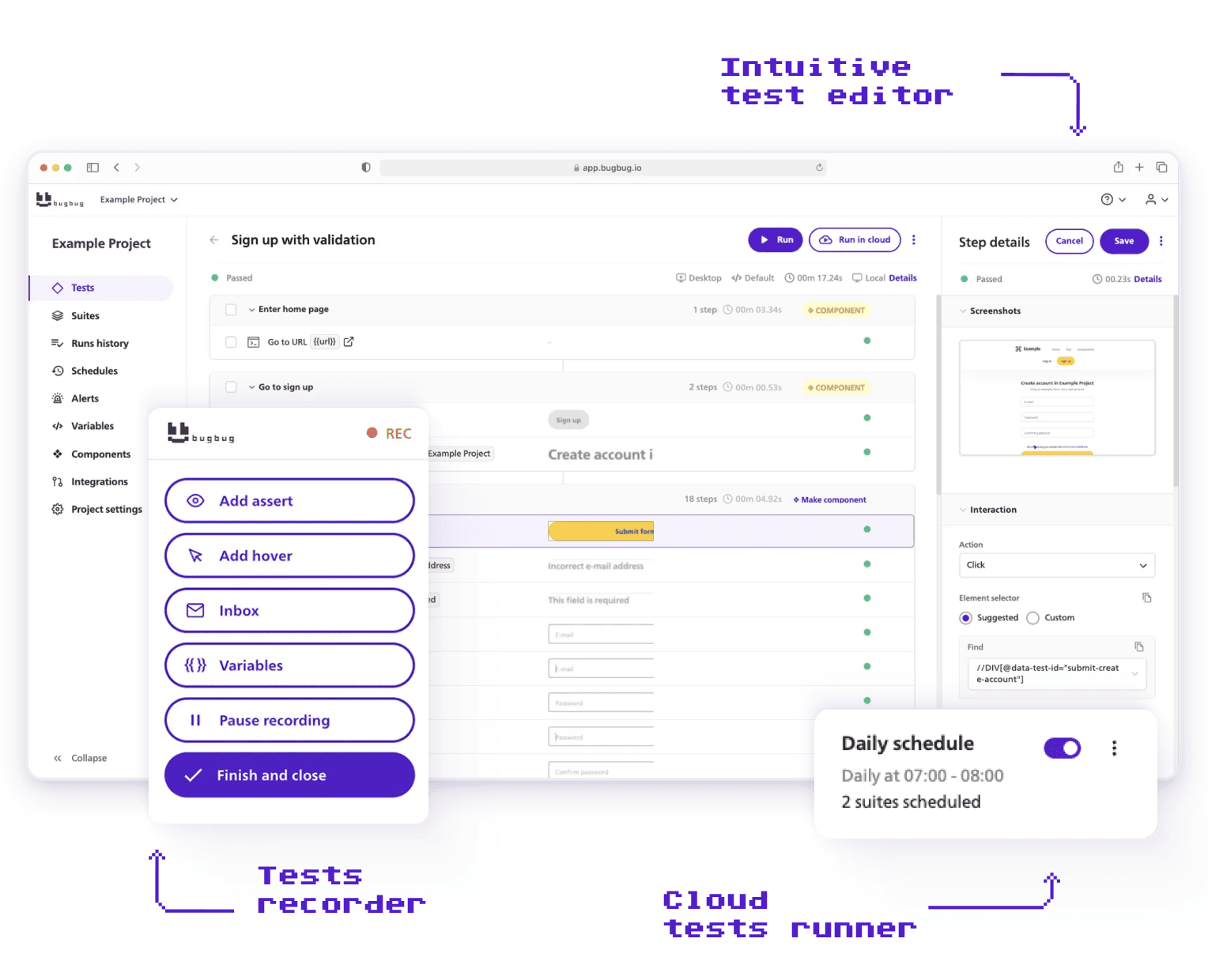
Codeless tools like BugBug allow users to create automated tests without writing code. They reduce entry barriers and are especially useful when teams lack dedicated automation engineers.
Best for:
Regardless of the tool, modern QA automation platforms typically offer:
Good automation tools speed up testing, improve accuracy, and help catch bugs earlier in the development cycle — which shortens release cycles and improves software quality.
If you search this question online, you’ll find a recurring theme:
“I’m just writing and updating UI tests all day. Is this normal?”
The honest answer: it depends on the maturity of your team and how automation is positioned in your organization.
QA automation is a collaborative effort involving QA professionals, software engineers, and software developers—each playing a key role in writing test scripts, managing automation frameworks, and ensuring software quality throughout the testing process.
There are effectively two versions of the role.
Think of them as steps on a maturity ladder.
In lower-maturity environments, automation engineers typically:
The job becomes reactive.
Product changes → tests break → you fix them.
You may not:
This is where automation starts to feel repetitive and mentally draining.
You’re maintaining a safety net someone else designed.
There’s nothing wrong with this phase — many teams start here.
But staying here long-term limits impact.
In more mature teams, automation engineers operate at a different level.
They:
Here, automation is not just regression coverage.
It’s quality infrastructure.
The difference isn’t coding skill.
It’s ownership.
When automation engineers influence risk decisions, architecture, and process — the role becomes strategic instead of repetitive.
Most teams move through phases:
As teams progress up the maturity ladder, qa automation proves its value by reducing manual effort, increasing efficiency, and enabling more robust regression and cross-platform testing.
If you feel stuck writing UI scripts, it may not be a career issue.
It may simply be that your team hasn’t moved up the ladder yet.
Automation doesn’t become monotonous by accident.
It usually happens because of structural mistakes. One of the most common is not selecting the right test automation frameworks, such as data-driven, keyword-driven, or hybrid frameworks, which are essential for building a robust and maintainable QA automation process.
When every validation is pushed into end-to-end UI tests:
Automating smoke testing at the UI level is crucial for quickly assessing the stability of the software's architecture and ensuring all main functions operate as intended after updates or at the start of each test cycle.
UI-heavy automation leads directly to script churn.
More tests ≠ better coverage.
When teams celebrate:
Without asking:
Automation becomes volume-driven instead of value-driven.
If automation engineers only implement what others define:
Strategy ownership transforms the role from implementer to engineer. Effective QA automation also relies on thorough test planning, where the approach, scope, resources, and schedule are clearly defined to guide the automation process and ensure comprehensive coverage.
Quality Control = verifying after the fact.
Quality Assurance = shaping how quality is built.
If automation only checks finished features and never influences design or risk modeling, it stays reactive.
And reactive work feels repetitive.
A 45-minute pipeline kills momentum.
Slow suites create:
Optimizing test execution—by streamlining how tests are run, scheduled, and reported—can significantly improve suite performance and reduce overall pipeline time.
Performance optimization is engineering work — and often more impactful than adding new tests.
If QA is the only team allowed to touch tests:
High-performing teams distribute test responsibility. Using a version control system like Git or GitHub enables seamless collaboration on test maintenance, allowing both QA and developers to contribute and review changes efficiently.
Automation supports developers — it doesn’t isolate them.
Startups and SaaS teams operate under constraints:
Automation must be practical, not theoretical.
Don’t automate everything.
Identify:
Protect what matters first.
Everything else can follow.
Use UI automation for:
Functional testing is a key type of automated QA testing that verifies whether individual features of your application work as intended. Along with functional testing, other common types of automated QA testing include performance testing, unit testing, and smoke tests.
Push logic-heavy validation to API or lower layers whenever possible.
Minimal UI = lower maintenance.
Execution time compounds as your suite grows.
Design for:
Many QA automation tools support parallel testing, allowing you to run multiple test cases simultaneously and significantly reduce overall testing time.
Short feedback loops protect developer productivity.
If a test fails intermittently:
Flaky automation erodes trust faster than missing automation.
Test code deserves:
Poorly written tests become technical debt.
Ask:
Analyzing test results is essential for understanding which issues slipped through automation. Tracking failure logs and screenshots during test execution helps debug problems and provides valuable context for interpreting test results.
Escaped defect tracking ties automation back to business impact.
As products evolve, so should automation.
Refactor:
It's crucial to continuously update your automation testing strategies to align with product changes, ensuring your tests remain effective and relevant as your application grows.
Automation must evolve alongside the system it protects.
Use this to self-diagnose where your team stands.
A maturity model provides a structured way for teams to assess and improve their qa automation testing practices. By understanding your current level, you can identify gaps and opportunities to enhance efficiency, accuracy, and integration of automation into your development workflow.
Many teams plateau here as they move from manual QA to implementing test automation at Level 2. At this stage, UI tests run in pipelines, providing basic regression protection. However, as test automation coverage grows, maintenance effort increases and flakiness begins to appear.
Automation becomes more sustainable.
Automation aligns with product goals.
At this level, automation no longer feels like maintenance.
It feels like engineering.
If QA automation feels boring, it’s usually not because automation itself is boring.
It’s because:
Automation becomes engaging when it protects meaningful risk and operates as infrastructure — not as a script factory.
The goal isn’t to write more tests.
The goal is to build a sustainable system that lets your team ship with confidence. Test automation plays a crucial role in achieving this by improving efficiency, coverage, and reliability throughout your development process.
Happy (automated) testing!
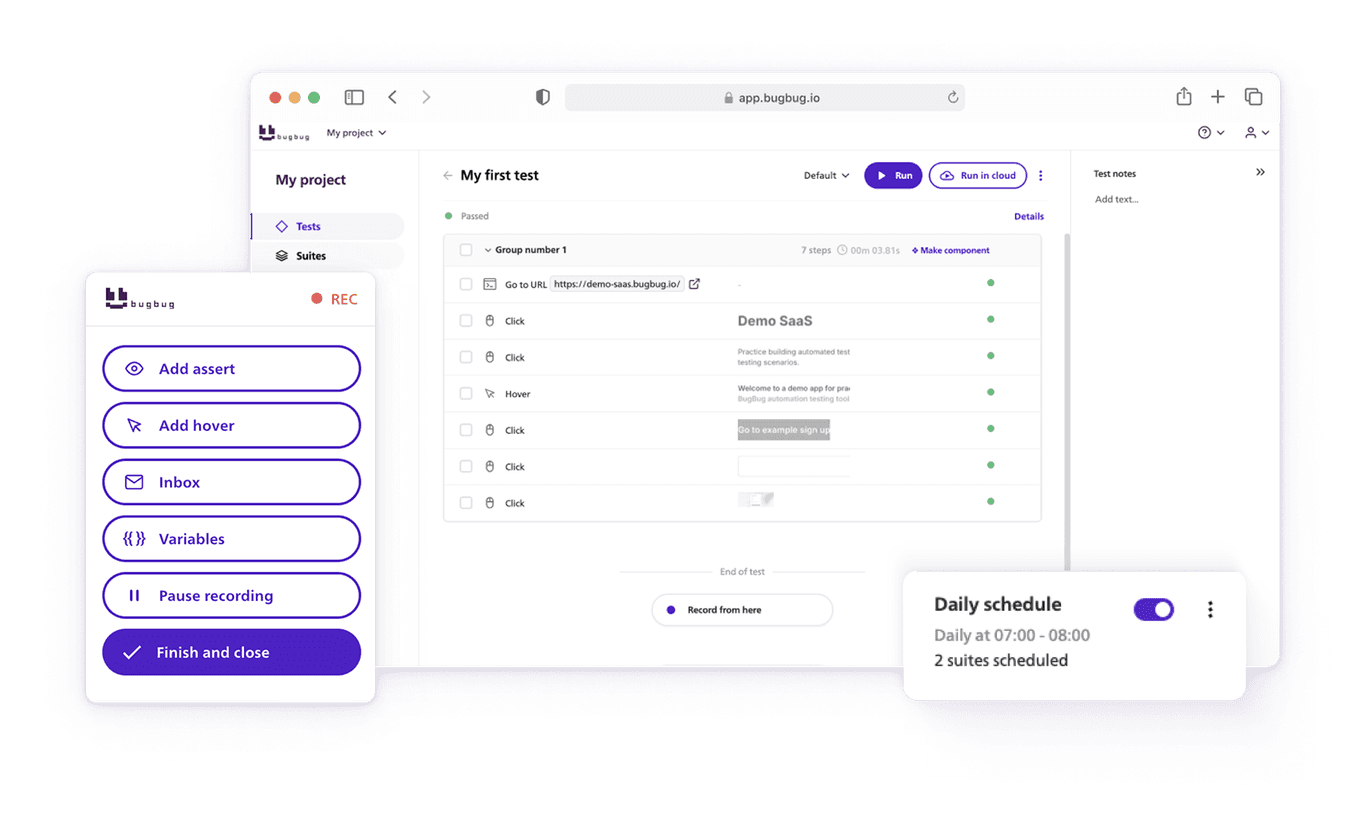
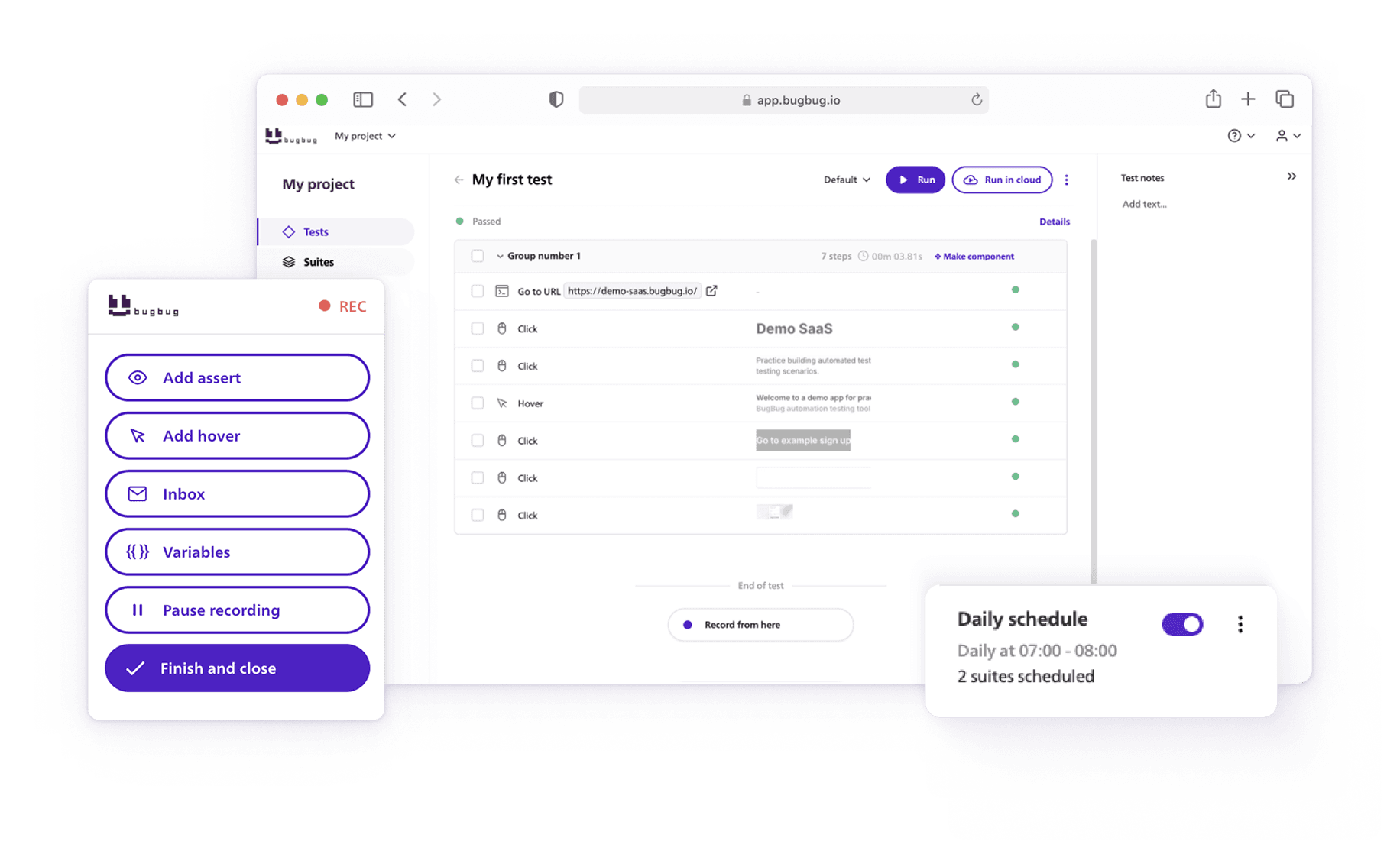
Speed up your entire testing process
Automate your web app testing 3x faster.

Dominik Szahidewicz is a technical writer with experience in data science and application consulting. He's skilled in using tools such as Figma, ServiceNow, ERP, Notepad++ and VM Oracle. His skills also include knowledge of English, French and SQL.
Outside of work, he is an active musician and pianist, playing in several bands of different genres, including jazz/hip-hop, neo-soul and organic dub.
Join thousands of QA experts. Subscribe to our newsletter.
Get more testing tips and product related content. Zero spam.
What is QA Roadmap? Why you should consider using one? We are proud to present our QA Roadmap Template.
Looking to streamline software testing? Explore the best qa testing tools and learn how they can speed up releases and improve product quality.
QA engineers have a variety of testing conferences to choose from in the upcoming year. Check our article for details.
Discover essential business tools for startups. Read the article to find the right tools for your success.
Searching for the best visual web test recorder for automated browser testing? Discover top Chrome, Firefox, and other browser extensions.
Why don’t you become an automation tester? In this article we will present essential Automation Tester Skills.
Discover the best open-source automation tools of 2026! Explore free testing tools and frameworks for QA and robust test automation.
How to find bugs in your code? They live to damage your code, to make you lose time and effort and money.
Comprehensive guide to testing search functionality with 100+ test cases, real-world examples, and tips for automating search tests using BugBug.